GeoApps Logo
Apps
Solutions
Platform
About us
Get adviceLogin
Subscriptions hero background

Flexible GIS Packages for Every Organization

Choose the GIS platform that actually grows with you. From startup to enterprise - transparent pricing, powerful tools, zero hassle.

Which plans do we offer?

Choose the plan that fits you. See below what’s included per plan.

Project

  • 5 apps
  • 10 viewers
  • 5 editors
  • 2 admins
  • 1 GB storage

Perfect for a single project: temporary or as a starting point. Standalone project with quick publishing, no full GIS migration required.

See what’s included

Team

  • 10 apps
  • 50 viewers
  • 10 editors
  • 5 admins
  • 5 GB storage

More projects, more users. Ideal for departments or multiple teams sharing maps and data. One place to scale without switching platforms.

See what’s included

Business

  • 50 apps
  • 200 viewers
  • 25 editors
  • 10 admins
  • 10 GB storage

Organization-wide use with unlimited projects and dedicated support. For teams that want reliability, SLAs, and one central GIS.

See what’s included

Enterprise

  • Unlimited apps
  • Viewers on request
  • Editors on request
  • Admins on request
  • 20 GB storage

Total control. Unlimited everything, white-label solutions, dedicated support and customization for large organizations.

See what’s included

What’s included per plan?

Overview by category. See the full feature matrix for every feature per plan.

Category
Project
Team
Business
Enterprise
General

Projects, folders, recycle bin, multi-language support and storage.

Read more
Included

5 apps

  • 10 viewers
  • 5 editors
  • 2 admins
  • 1 GB storage
Included

10 apps

  • 50 viewers
  • 10 editors
  • 5 admins
  • 5 GB storage
Included

50 apps

  • 200 viewers
  • 25 editors
  • 10 admins
  • 10 GB storage
Included

Unlimited apps

  • Viewers on request
  • Editors on request
  • Admins on request
  • 20 GB storage
Apps

Viewer, Dashboard, MapTour, Widget, PraatMee, Fieldwork, Custom apps and GeoApps Store.

Read more
Mostly includedSome options in higher plans
Mostly included
Branding

Logo and accent colors included; subdomain, themes and multiple brandings in higher plans or as add-on.

Read more
Limited
Mostly includedSome options in higher plans
Mostly included
Data Management

Dataset upload, update, download; formats (Shapefile, Excel, CSV, GeoJSON, WMS, WFS, etc.); domain lists, coordinate systems, QGIS plugin.

Read more
Mostly includedSome options in higher plans
Mostly included
Advanced Data Management

Dataset joins (1:1, 1:N), dynamic and SQL-based attributes, linked domain lists.

Read more
On request
On request
On request
Included
Statistics

Statistics on data and layers, advanced statistics, dataset-based bookmarks.

Read more
On request
On request
On request
Mostly included
Layer Visualization

Symbology, scale dependency, clustering, labeling, definition queries, SLD import/export.

Read more
Mostly includedSome options in higher plans
Included
Included
Advanced Symbology

Advanced styling on multiple attributes, custom icons, icon library, related filters.

Read more
On request
On request
On request
Included
Popups

Popups in the map (table, text, split, image, list) and advanced popups (HTML, embed, actions).

Read more
Mostly includedSome options in higher plans
Included
Included
Interactive Maps (Viewers)

Legend, layer groups, base layers, theme maps, transparency, heatmap, mask, search, GPS, reprojection.

Read more
Mostly includedSome options in higher plans
Included
Included
Insight and information

Attribute table, custom search, information overlay, data catalog, favorites, measurement tools, dimensions.

Read more
Limited
Limited
Mostly includedSome options in higher plans
Included
Filtering and selection

Interactive and geographic filters, advanced selection on attributes and geometry.

Read more
Limited
Limited
Included
Included
Export and sharing

Print at scale, screenshot, export data in viewer, share map (link with state).

Read more
Mostly includedSome options in higher plans
Included
Included
3D

2D/3D view, photorealistic and vector data, 3D underground.

Read more
Included
Limited
Included
Included
Time & animation

Timeslider and animations on date/time attributes.

Read more
Not included
Not included
Included
Included
Drawing & editing

Drawing, editing, deleting; advanced editing (copy, split); Drawing Assistant, sketch layers, mail notifications, Smart Forms.

Read more
On request
On request
Included
Included
Analyses

Spatial analyses in the viewer (e.g. buffer, overlay, zonal statistics).

Read more
On request
On request
Included
Included
Reusability in Maps

Copy between projects or export between environments.

Read more
On request
On request
On request
Mostly included
Specialist extensions

Extensions for specific use cases; e.g. multi-story floorplans (Bouwlagen) and more.

Read more
On request
On request
On request
On request
Data Portal

Publication of WMS/WFS services, anonymous or public services.

Read more
Limited
Limited
Included
Included
Security

Public and private apps, user levels (RBAC), app security, groups, import users.

Read more
Limited
Limited
Included
Included
Advanced security

Activity and audit log, MFA requirement, IP whitelisting, thememap security, SSO, GDPR logging, row-level security.

Read more
Limited
Limited
Limited
Included
Staged environments

Additional tenant for dev, test or staging environments.

Read more
Not included
Not included
Not included
On request
Aerial imagery hosting

Host and publish your aerial imagery and orthophotos in the cloud. Secure, scalable and ready to use in Viewer, QGIS and your apps.

Read more
On request
On request
On request
On request
General

Projects, folders, recycle bin, multi-language support and storage.

Read more
Project
Included

5 apps

  • 10 viewers
  • 5 editors
  • 2 admins
  • 1 GB storage
Team
Included

10 apps

  • 50 viewers
  • 10 editors
  • 5 admins
  • 5 GB storage
Business
Included

50 apps

  • 200 viewers
  • 25 editors
  • 10 admins
  • 10 GB storage
Enterprise
Included

Unlimited apps

  • Viewers on request
  • Editors on request
  • Admins on request
  • 20 GB storage
Apps

Viewer, Dashboard, MapTour, Widget, PraatMee, Fieldwork, Custom apps and GeoApps Store.

Read more
Project
Mostly includedSome options in higher plans
Team
Mostly includedSome options in higher plans
Business
Mostly includedSome options in higher plans
Enterprise
Mostly included
Branding

Logo and accent colors included; subdomain, themes and multiple brandings in higher plans or as add-on.

Read more
Project
Limited
Team
Mostly includedSome options in higher plans
Business
Mostly includedSome options in higher plans
Enterprise
Mostly included
Data Management

Dataset upload, update, download; formats (Shapefile, Excel, CSV, GeoJSON, WMS, WFS, etc.); domain lists, coordinate systems, QGIS plugin.

Read more
Project
Mostly includedSome options in higher plans
Team
Mostly includedSome options in higher plans
Business
Mostly includedSome options in higher plans
Enterprise
Mostly included
Advanced Data Management

Dataset joins (1:1, 1:N), dynamic and SQL-based attributes, linked domain lists.

Read more
Project
On request
Team
On request
Business
On request
Enterprise
Included
Statistics

Statistics on data and layers, advanced statistics, dataset-based bookmarks.

Read more
Project
On request
Team
On request
Business
On request
Enterprise
Mostly included
Layer Visualization

Symbology, scale dependency, clustering, labeling, definition queries, SLD import/export.

Read more
Project
Mostly includedSome options in higher plans
Team
Mostly includedSome options in higher plans
Business
Included
Enterprise
Included
Advanced Symbology

Advanced styling on multiple attributes, custom icons, icon library, related filters.

Read more
Project
On request
Team
On request
Business
On request
Enterprise
Included
Popups

Popups in the map (table, text, split, image, list) and advanced popups (HTML, embed, actions).

Read more
Project
Mostly includedSome options in higher plans
Team
Mostly includedSome options in higher plans
Business
Included
Enterprise
Included
Interactive Maps (Viewers)

Legend, layer groups, base layers, theme maps, transparency, heatmap, mask, search, GPS, reprojection.

Read more
Project
Mostly includedSome options in higher plans
Team
Mostly includedSome options in higher plans
Business
Included
Enterprise
Included
Insight and information

Attribute table, custom search, information overlay, data catalog, favorites, measurement tools, dimensions.

Read more
Project
Limited
Team
Limited
Business
Mostly includedSome options in higher plans
Enterprise
Included
Filtering and selection

Interactive and geographic filters, advanced selection on attributes and geometry.

Read more
Project
Limited
Team
Limited
Business
Included
Enterprise
Included
Export and sharing

Print at scale, screenshot, export data in viewer, share map (link with state).

Read more
Project
Mostly includedSome options in higher plans
Team
Mostly includedSome options in higher plans
Business
Included
Enterprise
Included
3D

2D/3D view, photorealistic and vector data, 3D underground.

Read more
Project
Included
Team
Limited
Business
Included
Enterprise
Included
Time & animation

Timeslider and animations on date/time attributes.

Read more
Project
Not included
Team
Not included
Business
Included
Enterprise
Included
Drawing & editing

Drawing, editing, deleting; advanced editing (copy, split); Drawing Assistant, sketch layers, mail notifications, Smart Forms.

Read more
Project
On request
Team
On request
Business
Included
Enterprise
Included
Analyses

Spatial analyses in the viewer (e.g. buffer, overlay, zonal statistics).

Read more
Project
On request
Team
On request
Business
Included
Enterprise
Included
Reusability in Maps

Copy between projects or export between environments.

Read more
Project
On request
Team
On request
Business
On request
Enterprise
Mostly included
Specialist extensions

Extensions for specific use cases; e.g. multi-story floorplans (Bouwlagen) and more.

Read more
Project
On request
Team
On request
Business
On request
Enterprise
On request
Data Portal

Publication of WMS/WFS services, anonymous or public services.

Read more
Project
Limited
Team
Limited
Business
Included
Enterprise
Included
Security

Public and private apps, user levels (RBAC), app security, groups, import users.

Read more
Project
Limited
Team
Limited
Business
Included
Enterprise
Included
Advanced security

Activity and audit log, MFA requirement, IP whitelisting, thememap security, SSO, GDPR logging, row-level security.

Read more
Project
Limited
Team
Limited
Business
Limited
Enterprise
Included
Staged environments

Additional tenant for dev, test or staging environments.

Read more
Project
Not included
Team
Not included
Business
Not included
Enterprise
On request
Aerial imagery hosting

Host and publish your aerial imagery and orthophotos in the cloud. Secure, scalable and ready to use in Viewer, QGIS and your apps.

Read more
Project
On request
Team
On request
Business
On request
Enterprise
On request
View full feature matrixBrowse by category

Onboarding & Implementation

From start to success: a smooth transition to GeoApps

Goal setting

Together we define your goals and success criteria for the GeoApps implementation

System setup

Configuration of your GeoApps environment, user accounts and basic settings

Data intake

Help importing and structuring your spatial data into GeoApps

User training

Training for your team to work effectively with GeoApps, tailored to their roles. Training for key users and admins/managers is included when you host it yourself.

Knowledge transfer

Comprehensive documentation and handover so your team can continue independently

Community & Support

Ongoing support via chat or recurring calls. Your feedback is processed and incorporated into our roadmap. We also offer trainings, workshops and events for you as a user.

View all trainings

Indicative cost comparison: GeoApps vs. ArcGIS

Calculate how much license costs you can save in your GIS application landscape

Choose Your Organization Size

Click on an option to select your organization size

Cost Comparison

ArcGIS

ArcGIS

ArcGIS Online + ArcGIS Pro

Named users (27 users)€3510
ArcGIS Creator licenses (5 editors)€5425
ArcGIS Admin licenses (2 admins)€4000
Total Annual Cost€17,935
ArcGIS Pro Standard licenses (2 users)ArcGIS Pro (desktop GIS) required for full workflows
€5000
Training & onboardingArcGIS Online workflows require ArcGIS Pro (desktop GIS). 3-day training available on request via Esri for €2,050 ex. VAT.
Unknown
GeoApps

GeoApps

GeoApps Platform + QGIS

GeoApps platform subscription (incl. 20 viewers)€0
GeoApps editor licenses (5 editors)Included
GeoApps admin licenses (2 admins)Included
Total Annual Cost€0
Optional: QGIS licensesUse open-source desktop GIS, including the GeoApps plugin for synchronising data to your online map environment.
Free
Training & onboardingStandard GeoApps implementation (Not included in calculation). Additional QGIS training available on demand via MapGear or the QGIS community.
€1,250

You Save 100% Annually

That's €17,935 back in your budget every year

i

These calculations are estimates based on standard pricing. Contact us for a detailed quote.

Need help choosing the right plan?

Our team is ready to help you find the perfect solution for your organization.

Get a Demo Contact
GeoApps Viewer
Gasfabriek project
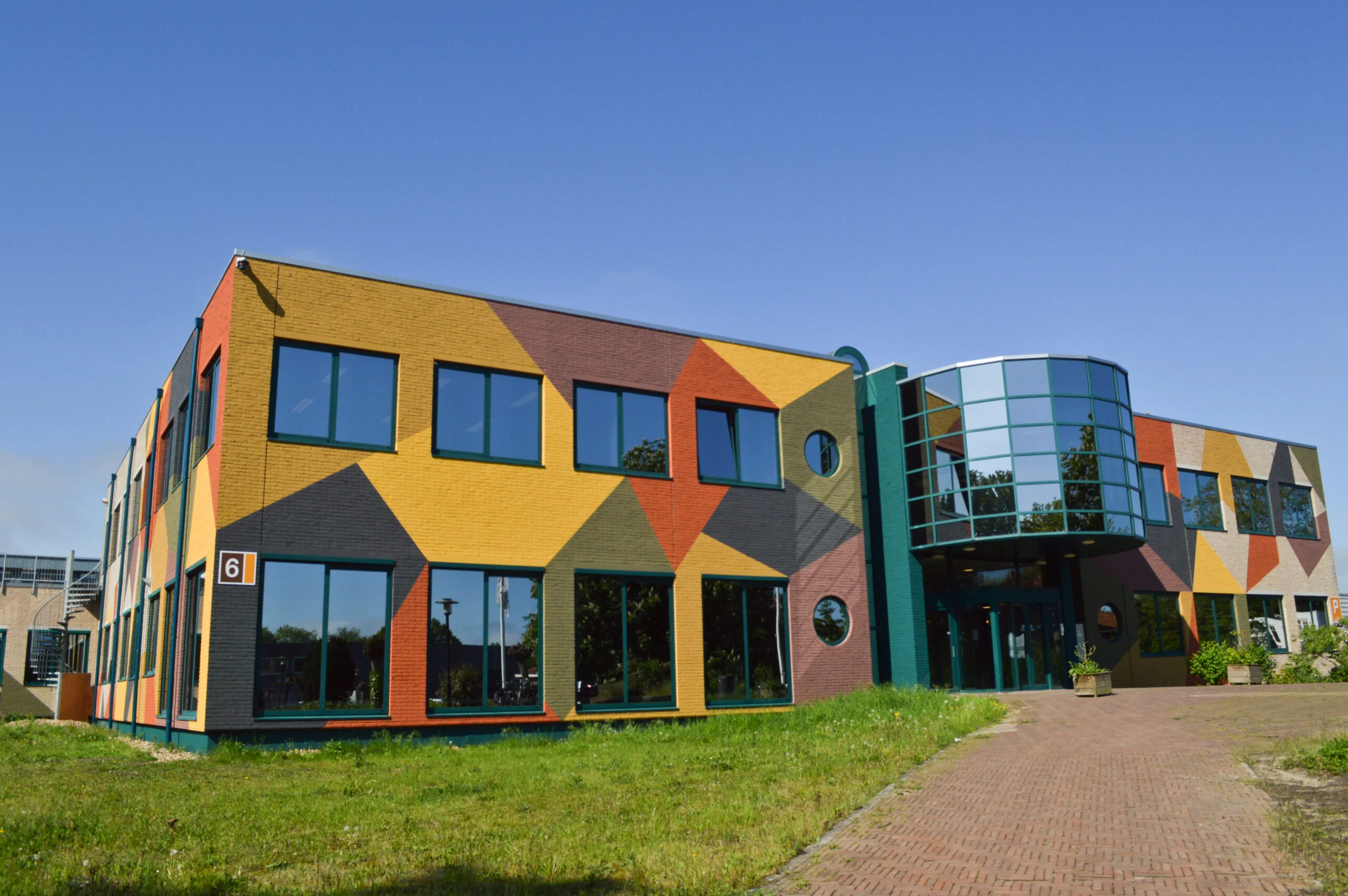
MapGear team office

Frequently Asked Questions

Comprehensive answers to common questions about GeoApps platform, features, implementation, and support.

What is GeoApps?
GeoApps is a powerful, flexible platform for building, managing, and deploying map-driven applications that transform how organizations work with spatial data. Our core products include Dashboard for real-time data visualization and analytics, Viewer for interactive map exploration and sharing, Fieldwork for mobile data collection in the field, MapTalk for guided storytelling with maps, and TouchTable for collaborative touchscreen experiences. Unlike traditional GIS software, GeoApps focuses on user experience and accessibility, making complex spatial data understandable and actionable for everyone from field workers to executives. Organizations use GeoApps to streamline workflows, improve decision-making, and create engaging experiences for stakeholders and citizens.
Which languages do you support?
GeoApps supports full internationalization with native language interfaces in Dutch, English, German, and French. The platform includes comprehensive translations for all user interfaces, documentation, and help systems. Beyond the base languages, applications can be localized per project or organization with custom terminology, regional data formats, and specific workflow language. This ensures that both technical users and non-technical stakeholders can work comfortably in their preferred language, improving adoption and reducing training needs across international and multilingual organizations.
Is documentation available?
Yes, we provide extensive, practical documentation designed for different user types and skill levels. Our knowledge base includes technical guides, API documentation, video tutorials, interactive walkthroughs, and downloadable resources. You'll find ROI calculators, checklists, comparison guides, and best practice templates to help you make informed decisions. Developer documentation covers REST APIs, SDKs, and integration patterns. For organizations, we offer implementation guides, data migration checklists, and change management resources. All documentation is regularly updated and includes practical examples from real-world implementations across government, utilities, and commercial sectors.
How can I request a demo?
Requesting a demo is straightforward and personalized to your needs. Visit our demo page and fill out the contact form with details about your organization, current challenges, and goals. We'll respond within one business day to schedule a call and understand your specific requirements. During the demo, we'll show relevant use cases, demonstrate integrations with your existing systems, and discuss implementation approaches. For organizations with complex needs, we can arrange extended sessions, pilot programs, or on-site demonstrations. The process is obligation-free, and many organizations use it to evaluate multiple solutions before making decisions.
Do you integrate with GIS systems?
GeoApps excels at integration and is designed as a modern web GIS platform that connects seamlessly with existing enterprise systems. We support industry-standard protocols including WMS/WFS, WMTS, and OGC services. Direct integrations are available for major GIS platforms like ArcGIS, QGIS, PostGIS, GeoServer, and MapServer. We connect with national spatial data infrastructures including PDOK (Netherlands), BKG (Germany), and IGN (France). Database integrations include PostgreSQL/PostGIS, Oracle Spatial, SQL Server, and major cloud data warehouses. API integrations connect with CRM systems, asset management platforms, IoT platforms, and business intelligence tools. Our integration framework supports both standard connectors and custom development for unique requirements.
How does support work?
We provide comprehensive, practical support that goes beyond traditional help desks. Start with our structured onboarding packages (2-8 weeks) that include system setup, data integration, user training, and handover to your team. These packages ensure successful implementation and knowledge transfer. For ongoing support, we offer flexible SLA-based options with guaranteed response times, dedicated technical contacts, and priority handling. Our development team provides custom integrations, feature enhancements, and optimization services on retainer or project basis. Support requests can be submitted through our portal, email, or phone, with transparent tracking and regular updates. We focus on prevention through proactive monitoring, regular health checks, and strategic planning to keep your systems running smoothly.
How secure is GeoApps?
Security is fundamental to our platform design. We implement enterprise-grade security measures including ISO 27001 compliance, SOC 2 Type II certification, and GDPR compliance. Data is encrypted in transit and at rest using industry-standard protocols. User authentication supports SAML SSO and Active Directory integration. Role-based access control (RBAC) ensures users only see authorized data and functions. We conduct regular security audits, penetration testing, and maintain comprehensive logging and monitoring. For sensitive deployments, we offer air-gapped installations, private cloud options, and custom security configurations. Our security-first approach has made us the platform of choice for government agencies, utilities, and organizations handling sensitive spatial data.
Can GeoApps handle large datasets?
Yes, GeoApps is built to handle enterprise-scale data operations. Our platform efficiently processes millions of features and supports large vector datasets, high-resolution imagery, and real-time data streams. Performance optimizations include intelligent caching, progressive loading, and database query optimization. For massive datasets, we implement data warehousing strategies, tile caching, and distributed processing. The platform scales horizontally and can be deployed across multiple servers or cloud regions. We've successfully deployed solutions handling terabytes of spatial data for national mapping agencies, utilities managing continent-wide infrastructure networks, and commercial organizations with global operations. Performance monitoring and optimization are included in all support packages.
GeoApps Logo

GeoApps is the leading software platform for GIS applications and spatial data, enabling organizations to make data-driven decisions.

Solutions

  • Urban Planning
  • Infrastructure
  • Real Estate
  • Environment & Climate
  • Energy Transition
  • Safety & Risk

Products

  • GeoApps
  • Solutions
  • Sustainability Map
  • MapServices
  • TouchTable
  • Consultation

Apps

  • Viewer
  • Dashboard
  • Fieldwork
  • MapTour
  • MapTalk
  • Custom

For whom?

  • Municipalities
  • Provinces
  • Environmental Services
  • Engineering
  • Contractors
  • Safety Regions

Platform

  • Integrations
  • Documentation
  • System Status
  • Changelog
  • Support
  • Subscriptions

Company

  • About Us
  • Careers
  • Contact
  • Partners
  • News & Blog
  • Events

Stay up-to-date

Subscribe to our newsletter to get the latest updates on our products and services. You can unsubscribe at any time.

Keep an eye on our socials too

Stay connected with us through our social media channels and get the latest updates on our products and services.

Quality & trust

MapGear is ISO 9001 and ISO 27001 certified and meets the highest quality and security standards for our products and services.

ISO 9001 Certificering
ISO 27001 Certificering
QGIS Membership 2026

© 2026 GeoApps, a product of MapGear B.V.

Privacy PolicyTerms of Service