
From data to insight
Easily create interactive dashboards that make complex spatial data understandable and help in making the right decisions.
Request a demo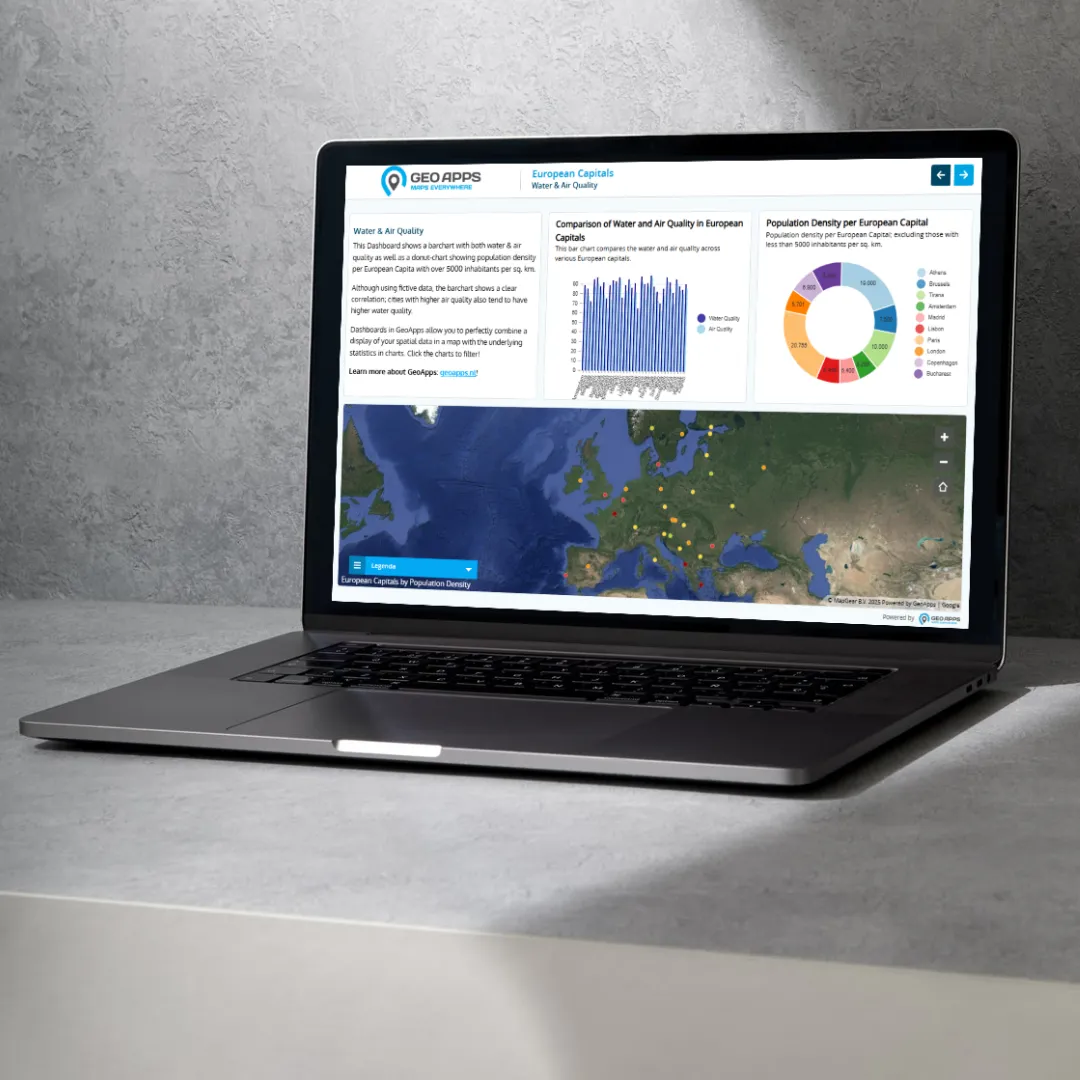
Trusted by data-driven organizations
Governments, consultancy firms, and other organizations use GeoApps Dashboard to translate their data into insights that lead to smart, targeted action.












Why Choose GeoApps Dashboard?
Discover how GeoApps Dashboard transforms complex data into clear, actionable insights that drive better decision-making.
Better Decisions
Turn complex data into clear, actionable insights that align your organization.
Real-time Insights
Stay ahead with live dashboards fed by always up-to-date data.
Seamless Collaboration
Share securely with the right people and work efficiently across teams.
How GeoApps users leverage Dashboards
See how organizations use GeoApps Dashboards to visualize data and drive action
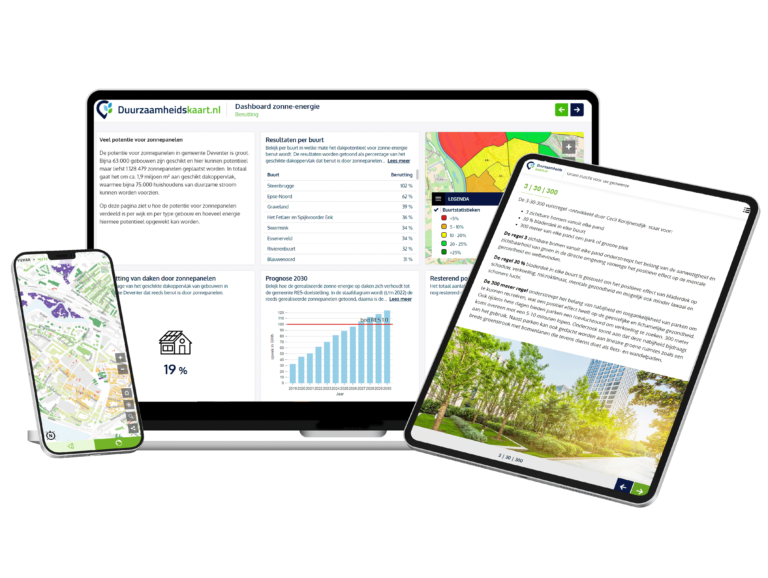
Operational performance monitoring
Keep track of processes and KPIs with clear visualizations and up-to-date status.
Operational performance monitoring
Keep track of processes and KPIs with clear visualizations and up-to-date status.
How to build your dashboard
Create professional dashboards in three simple steps.
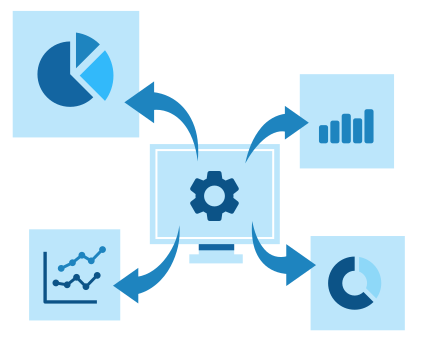
Choose your data
Use data from various sources such as GIS services, spreadsheets, or data already in GeoApps.
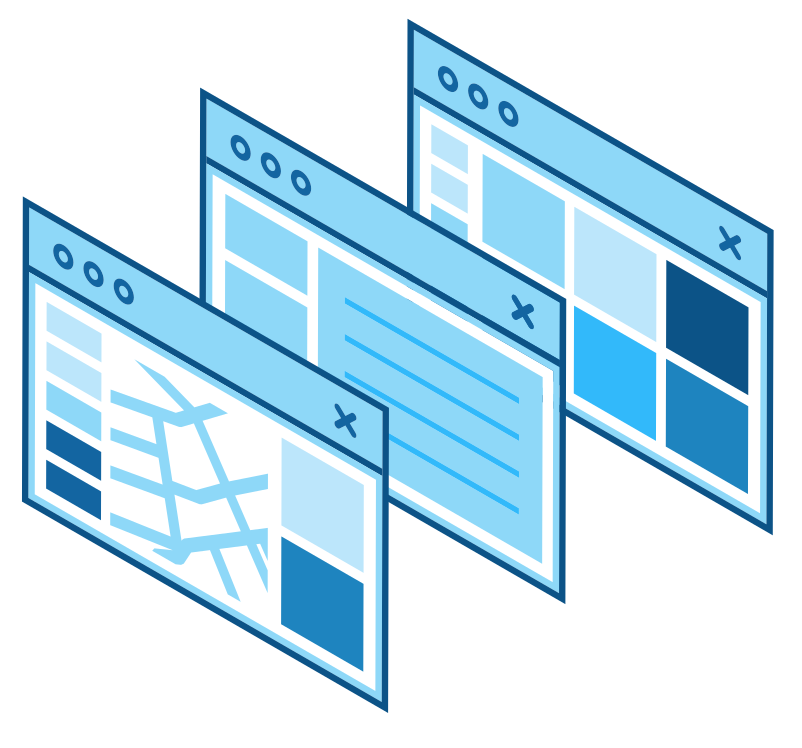
Design your layout
Combine maps, charts and indicators – fully in your brand style and tailored to your needs.

Publish and share
Publish your dashboard and securely share it with colleagues and partners – always up to date and available everywhere.
What users say
See how organizations are transforming data visualization with GeoApps Dashboard

Duurzaamheidskaart
"GeoApps has helped us make sustainability data accessible to everyone. The platform combines powerful visualization with simple user experience."
Dominique Goes, Duurzaamheidskaart.nl
Project Manager
What GeoApps Dashboard enables
A complete set of features for professional dashboards – scalable, secure and collaboration-ready.
Automation
Schedule updates, calculations and refresh – less manual work, always up to date.
Security
Role-based access, encryption, and SSO/AD integration for enterprise-grade security.
Customizable
Fully in your corporate style with your own color schemes, icons and layout.
API & integrations
Connect external systems and feed dashboards with data via modern APIs.
Export
Export tables, maps and visualizations – including reports in your brand style.
Alerts
Configure thresholds and receive notifications on important changes.
Data source integrations
Combine GIS services, databases and files into a single consistent dashboard.
Performance
Fast rendering – even with large datasets – with smart caching and real-time refresh.
Reporting
Generate insights and share periodic reports for policy and decision‑making.
Ready to turn your data into insight?
Experience for yourself how GeoApps Dashboard works for your organization. Request a demo and discover how easy it is to create valuable insights.



Dashboard FAQ
Frequently asked questions about creating and using interactive dashboards with GeoApps Dashboard.