GeoApps Logo
Apps
Solutions
Platform
About us
Get adviceLogin
  1. Home
  2. Apps
  3. QGIS Plugin
QGIS icon
QGIS Integration

GeoApps plugin for QGIS

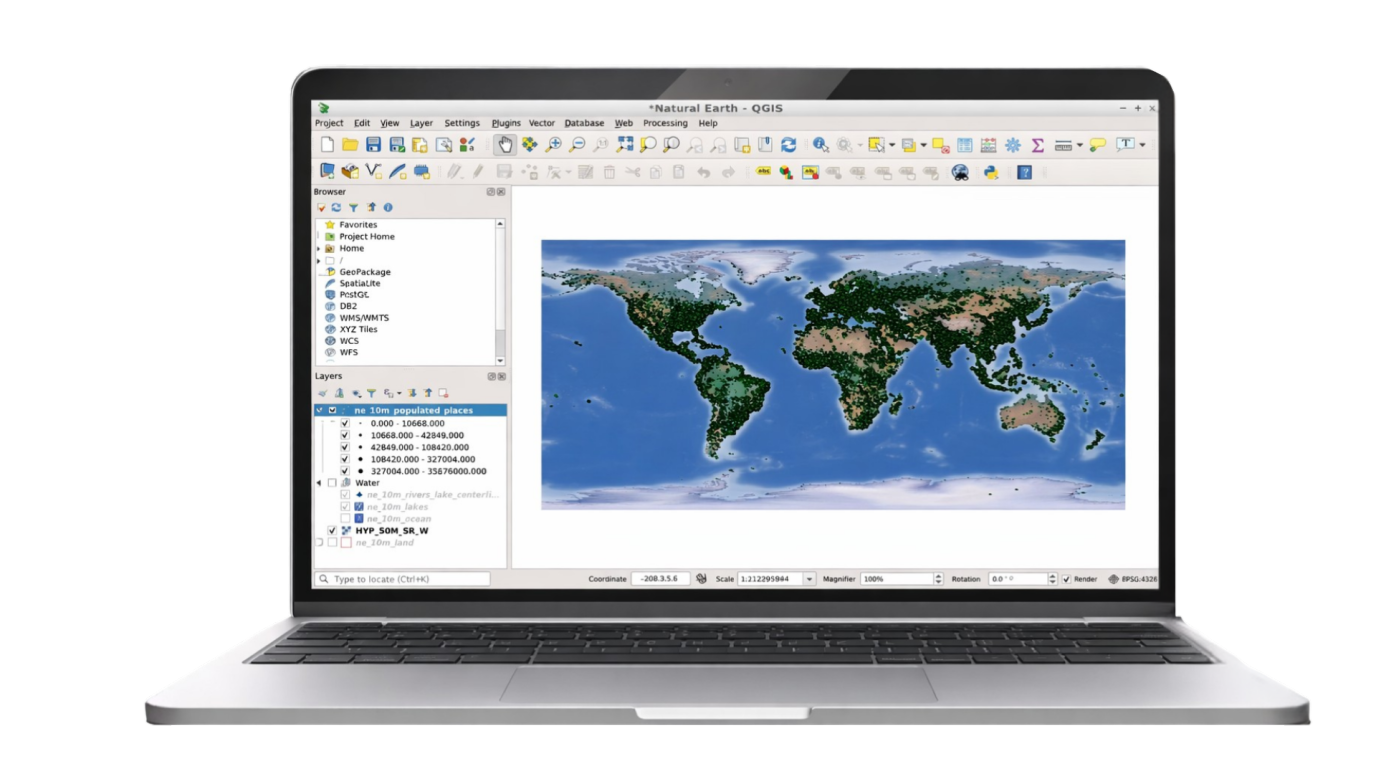
Publish your QGIS projects directly online without export or conversion. The GeoApps plugin for QGIS seamlessly connects your desktop GIS workflow to the web, so you can easily share maps and data with your team and stakeholders. Transform your QGIS projects into professional web maps with one click.
Request Demo Contact Us
QGIS logo

Trusted by organizations worldwide

GeoApps is used by leading organizations for their spatial challenges.

  • Gemeente Rotterdam
  • Arcadis
  • Stantec
  • Enexis
  • ProRail
  • Tauw
  • Natuurmonumenten
  • Provincie Overijssel
  • Regio Foodvalley
  • Mapification
  • Arup
  • Kragten
  • Waternet
  • FactoGeo
  • Keypoint
  • Gemeente Enschede
  • Qwello
  • Procap
  • Rabobank
  • Aventus
  • Ecogroen
  • Woonbedrijf
  • Q-Estate
  • Transitiemakers
  • Deloitte
  • Gemeente Haarlemmermeer
  • Regio Stedendriehoek
  • Collectie Overijssel
  • Duurzaamheidskaart
  • Omgevingswarmtekaart
  • Assetmaps
  • Gemeente Utrecht
  • Gemeente Hengelo
  • Gemeente Apeldoorn
  • Gemeente Maastricht
  • Gemeente Ede
  • Gemeente Epe
  • Gemeente Gennep
  • Gemeente Maasgouw
  • Gemeente Wierden
  • Gemeente Zundert
  • Gemeente Deventer
  • Gemeente Dordrecht
  • Gemeente Rotterdam
  • Arcadis
  • Stantec
  • Enexis
  • ProRail
  • Tauw
  • Natuurmonumenten
  • Provincie Overijssel
  • Regio Foodvalley
  • Mapification
  • Arup
  • Kragten
  • Waternet
  • FactoGeo
  • Keypoint
  • Gemeente Enschede
  • Qwello
  • Procap
  • Rabobank
  • Aventus
  • Ecogroen
  • Woonbedrijf
  • Q-Estate
  • Transitiemakers
  • Deloitte
  • Gemeente Haarlemmermeer
  • Regio Stedendriehoek
  • Collectie Overijssel
  • Duurzaamheidskaart
  • Omgevingswarmtekaart
  • Assetmaps
  • Gemeente Utrecht
  • Gemeente Hengelo
  • Gemeente Apeldoorn
  • Gemeente Maastricht
  • Gemeente Ede
  • Gemeente Epe
  • Gemeente Gennep
  • Gemeente Maasgouw
  • Gemeente Wierden
  • Gemeente Zundert
  • Gemeente Deventer
  • Gemeente Dordrecht
  • Gemeente Rijswijk
  • Gemeente Leiden
  • Gemeente Sittard-Geleen
  • Westerkwartier
  • Gemeente Groningen
  • Gemeente Voorst
  • Provincie Utrecht
  • Provincie Gelderland
  • Provincie Noord-Holland
  • Provincie Flevoland
  • Provincie Groningen
  • Provincie Drenthe
  • Dekker Groep
  • Van Dun Advies
  • Roelofs
  • Roelofs Lemelerveld
  • Nouryon
  • Syntraal
  • Stedin
  • CCS Energie-advies
  • PraatMee
  • MapServices
  • Satellic
  • Wegenscanners
  • Zone College
  • Stadscampus De Kien
  • Saxion
  • Natuur en Milieufederaties
  • Omgevingsdienst Brabant-Noord
  • RVO
  • Omroep Brabant
  • Thius
  • Tijdlab
  • Mateboer
  • Aveco de Bondt
  • Riese & Geurts
  • OMWB
  • TTE
  • KWR
  • Lycens
  • Nordend
  • Royal HaskoningDHV
  • MapGear
  • Gemeente Rijswijk
  • Gemeente Leiden
  • Gemeente Sittard-Geleen
  • Westerkwartier
  • Gemeente Groningen
  • Gemeente Voorst
  • Provincie Utrecht
  • Provincie Gelderland
  • Provincie Noord-Holland
  • Provincie Flevoland
  • Provincie Groningen
  • Provincie Drenthe
  • Dekker Groep
  • Van Dun Advies
  • Roelofs
  • Roelofs Lemelerveld
  • Nouryon
  • Syntraal
  • Stedin
  • CCS Energie-advies
  • PraatMee
  • MapServices
  • Satellic
  • Wegenscanners
  • Zone College
  • Stadscampus De Kien
  • Saxion
  • Natuur en Milieufederaties
  • Omgevingsdienst Brabant-Noord
  • RVO
  • Omroep Brabant
  • Thius
  • Tijdlab
  • Mateboer
  • Aveco de Bondt
  • Riese & Geurts
  • OMWB
  • TTE
  • KWR
  • Lycens
  • Nordend
  • Royal HaskoningDHV
  • MapGear

Why QGIS & GeoApps?

QGIS excels at desktop GIS: analysis, styling, and data preparation. GeoApps excels at putting maps and data on the web for your team and stakeholders. Together they cover the full workflow.

QGIS icon
1

Use QGIS for what it does best: powerful analysis, cartography, and data prep.

2

Use GeoApps for sharing, collaboration, and web and mobile access without extra export work.

3

The plugin connects both so you publish from QGIS to the web in a few clicks.

QGIS Sustaining Member badge

GeoApps is a QGIS Sustaining Member

We're a Sustaining Member because we believe in the tool you use every day. Our plugin connects your QGIS workflow to the web, so you get the best of both worlds.

We give back to the ecosystem

As a Sustaining Member we support the QGIS project financially. That helps the project keep growing and improving, for everyone who relies on open-source GIS.

Your workflow, connected

Prepare and style data in QGIS the way you always do. The GeoApps plugin lets you publish to the web in a few clicks, with no conversion headaches or manual export runs.

Desktop and web together

Use QGIS for the heavy lifting; use GeoApps for sharing, collaboration, and polished web maps. One workflow, two platforms that work together.

GeoApps and the GeoApps plugin are GeoApps products. As a QGIS Sustaining Member, we support the QGIS project, but we are not part of the QGIS project itself. The plugin seamlessly connects to QGIS for users who want to use both.

Why the QGIS plugin?

Discover all the benefits of seamless integration between QGIS and GeoApps.

One-click publish

Publish your QGIS project or layers to GeoApps with minimal setup. No manual conversion or export runs.

Styles and symbology

Your QGIS styling can be reused when creating a map layer, and your GeoApps styling remains intact during updates so data is synchronized but web maps match your desktop maps.

Secure and scalable

Data is published to your GeoApps environment with your existing access control and branding.

Always in sync

Update in QGIS and republish when ready; your web maps stay up to date.

Fast workflow

Save time by publishing directly from QGIS without intermediate steps. Your workflow stays efficient and streamlined.

Global access

Make your maps immediately available on the web for your team and stakeholders, anywhere in the world.

Better collaboration

Easily share maps and data with colleagues and partners. Collaborate on projects without complex export processes.

Save time

No more manual conversions needed. Publish directly and focus on what matters: your geodata and analyses.

How it works

From QGIS to the web in four steps.

1

Prepare in QGIS

Create or open your project, style layers, and prepare data as you always do in QGIS.

2

Install and connect

Install the GeoApps plugin, connect to your GeoApps environment, and sign in if required.

3

Publish

Select layers or project and publish to GeoApps. The plugin handles upload and configuration.

4

Share and collaborate

Use GeoApps to share maps and apps with your team and stakeholders; update by republishing when needed.

Discover how the QGIS plugin works for you

Request a demo or contact us to discuss how you can seamlessly connect QGIS with GeoApps.

Request Demo Contact Us
GeoApps Viewer
Gasfabriek project
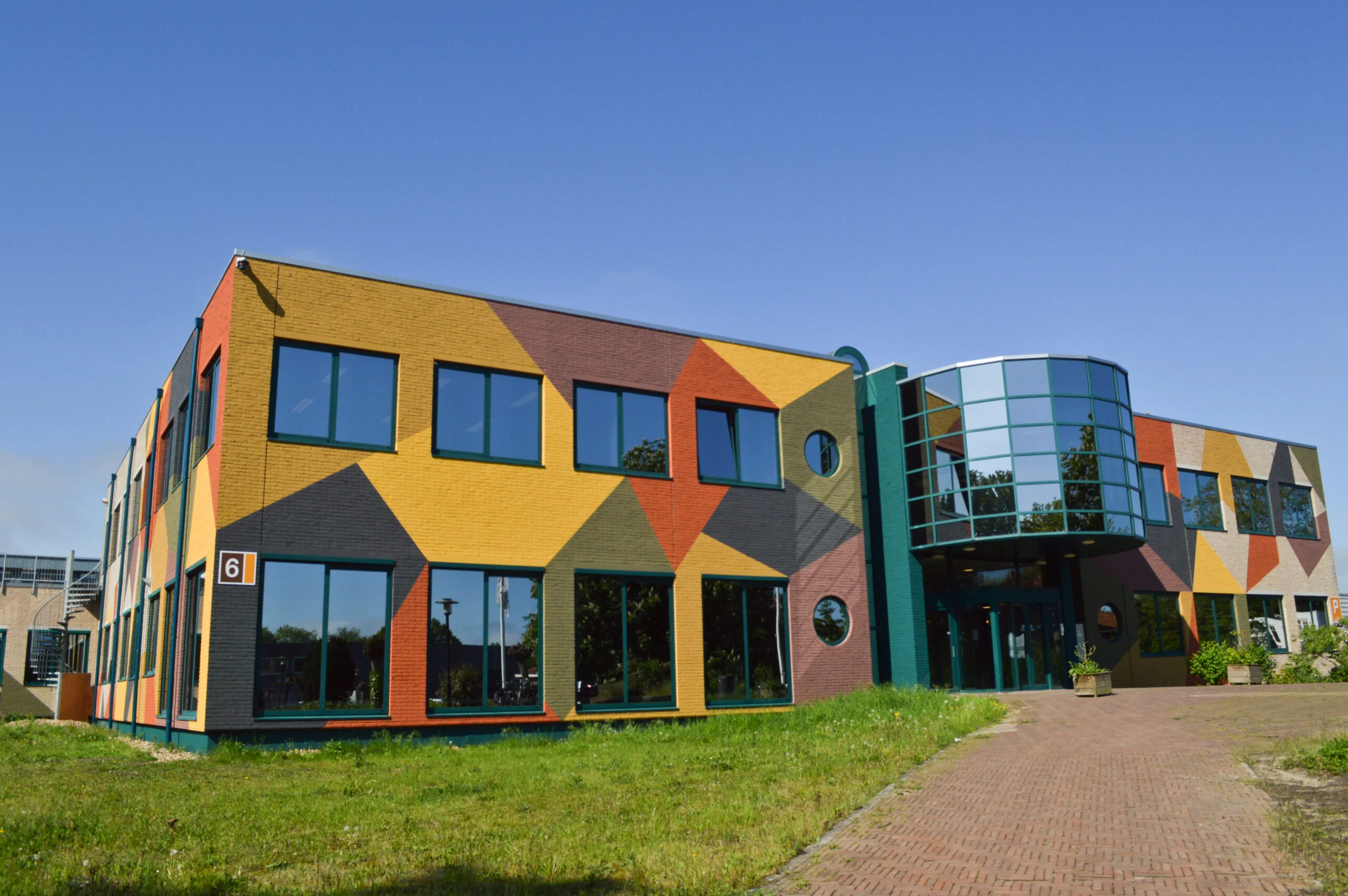
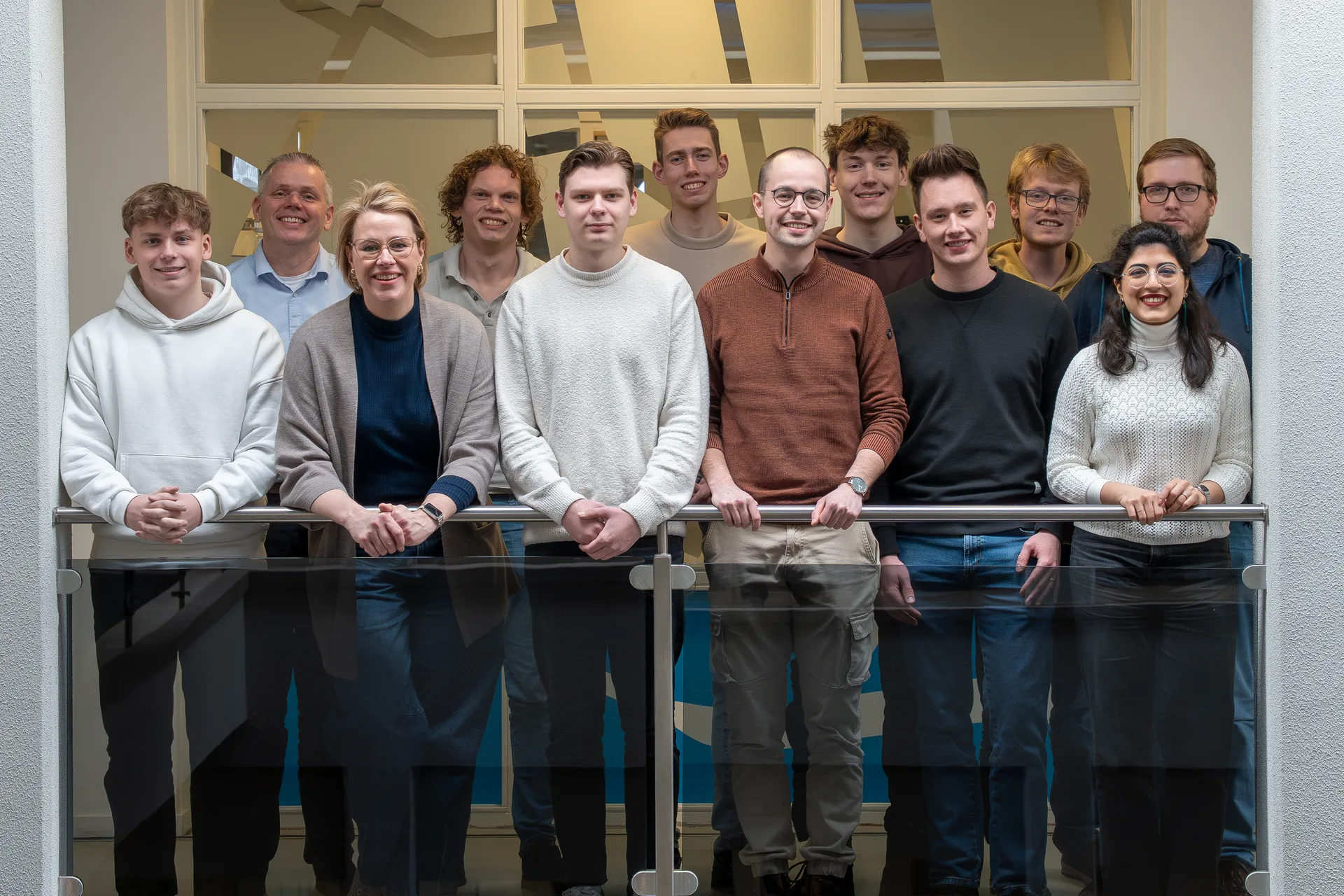
MapGear team office

Frequently Asked Questions about the QGIS Plugin

Answers to frequently asked questions about the GeoApps QGIS Plugin.

What is the GeoApps QGIS Plugin?
The GeoApps QGIS Plugin is an extension for QGIS that allows you to publish your QGIS projects and layers directly to GeoApps without manual export or conversion. The plugin seamlessly connects your desktop GIS workflow to the web.
How do I install the QGIS Plugin?
Download the plugin as a ZIP file from our website, open QGIS, go to Plugins > Install from ZIP and select the downloaded file. Follow the installation instructions and connect the plugin to your GeoApps environment.
Does the plugin work with all QGIS versions?
The plugin works with recent QGIS versions (3.x and higher). We support the latest stable QGIS releases and work on compatibility with new versions as they become available.
Can I keep my QGIS styling when publishing?
The plugin supports SLD (Styled Layer Descriptor) import and export, allowing you to transfer QGIS styling to GeoApps. You can export your QGIS styles as SLD and use them in GeoApps, so your web maps visually match your desktop maps. We're working on further integration for seamless styling synchronization.
Do I need a GeoApps subscription to use the plugin?
Yes. The plugin publishes to your GeoApps environment, so you need an active GeoApps subscription. Contact us for more information about subscription options.
Can I publish individual layers or only complete projects?
You can publish both individual layers and complete projects. Select what you need in QGIS and publish with one click to GeoApps.
What happens when I update my QGIS project?
When you make changes in QGIS, you can simply republish to GeoApps. The plugin synchronizes the updates, so your web maps always stay current.
Is the plugin free?
The plugin itself is free to download and use. However, you need a GeoApps subscription to host and share your published maps via the GeoApps platform.
GeoApps Logo

GeoApps is the leading software platform for GIS applications and spatial data, enabling organizations to make data-driven decisions.

Solutions

  • Urban Planning
  • Infrastructure
  • Real Estate
  • Environment & Climate
  • Energy Transition
  • Safety & Risk

Products

  • GeoApps
  • Solutions
  • Sustainability Map
  • MapServices
  • TouchTable
  • Consultation

Apps

  • Viewer
  • Dashboard
  • Fieldwork
  • MapTour
  • MapTalk
  • Custom

For whom?

  • Municipalities
  • Provinces
  • Environmental Services
  • Engineering
  • Contractors
  • Safety Regions

Platform

  • Integrations
  • Documentation
  • System Status
  • Changelog
  • Support
  • Subscriptions

Company

  • About Us
  • Careers
  • Contact
  • Partners
  • News & Blog
  • Events

Stay up-to-date

Subscribe to our newsletter to get the latest updates on our products and services. You can unsubscribe at any time.

Keep an eye on our socials too

Stay connected with us through our social media channels and get the latest updates on our products and services.

Quality & trust

MapGear is ISO 9001 and ISO 27001 certified and meets the highest quality and security standards for our products and services.

ISO 9001 Certificering
ISO 27001 Certificering
QGIS Membership 2026

© 2026 GeoApps, a product of MapGear B.V.

Privacy PolicyTerms of Service